Below are examples of what should not be attached and what should be attached
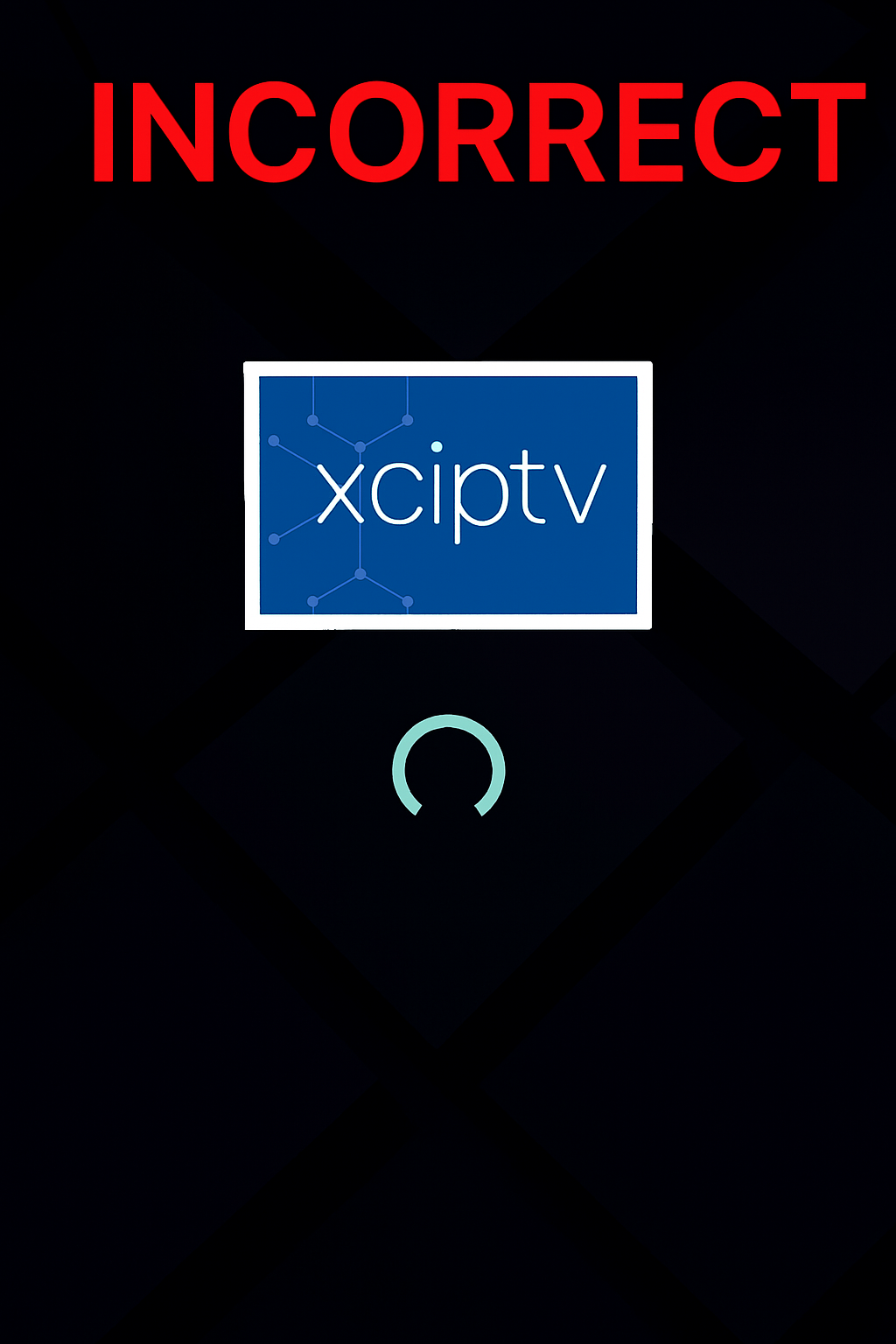
This is incorrect.
Do not attach a picture of your app or TV.
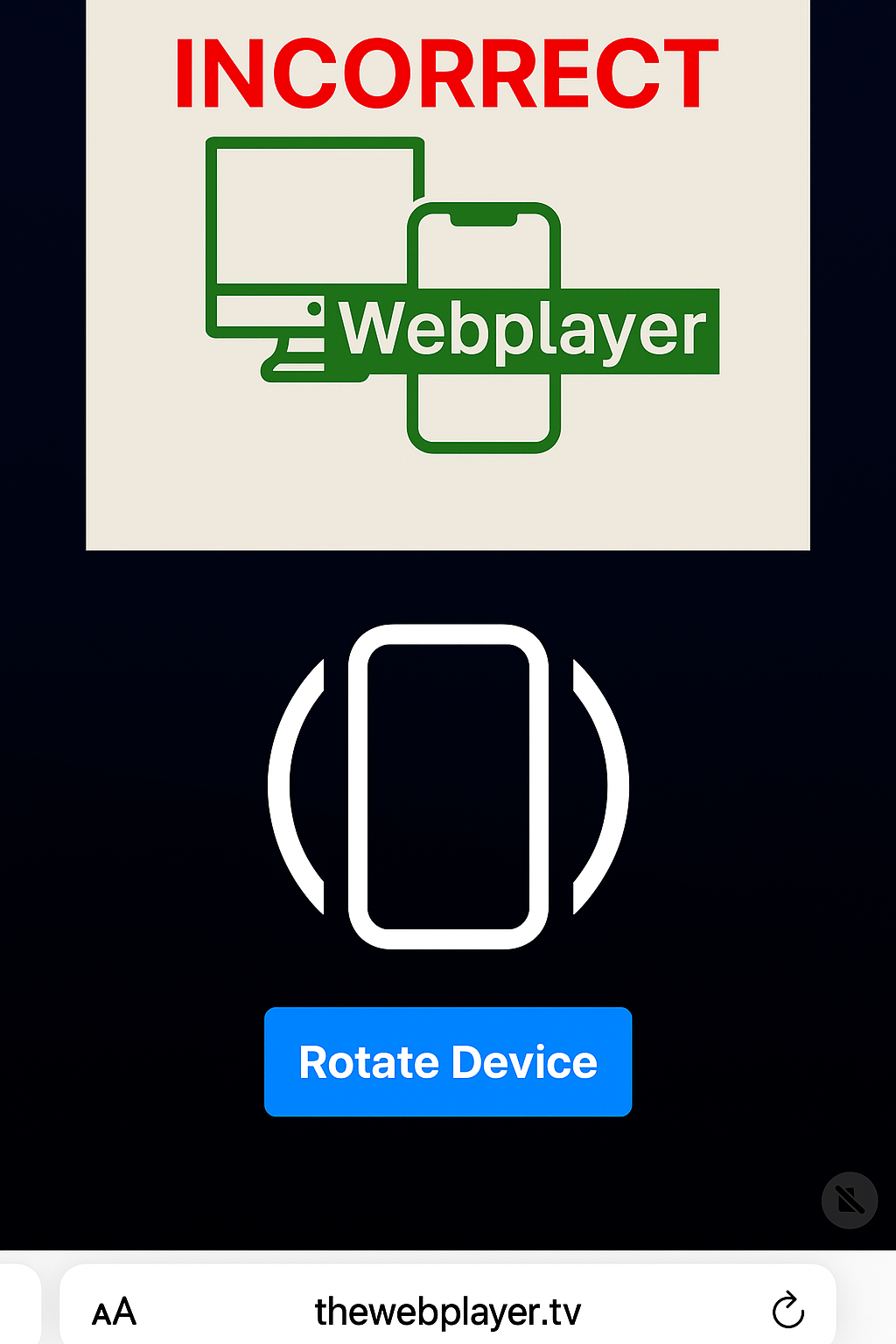
This is incorrect.
Do not attach a picture of the "Rotate Device" screen.
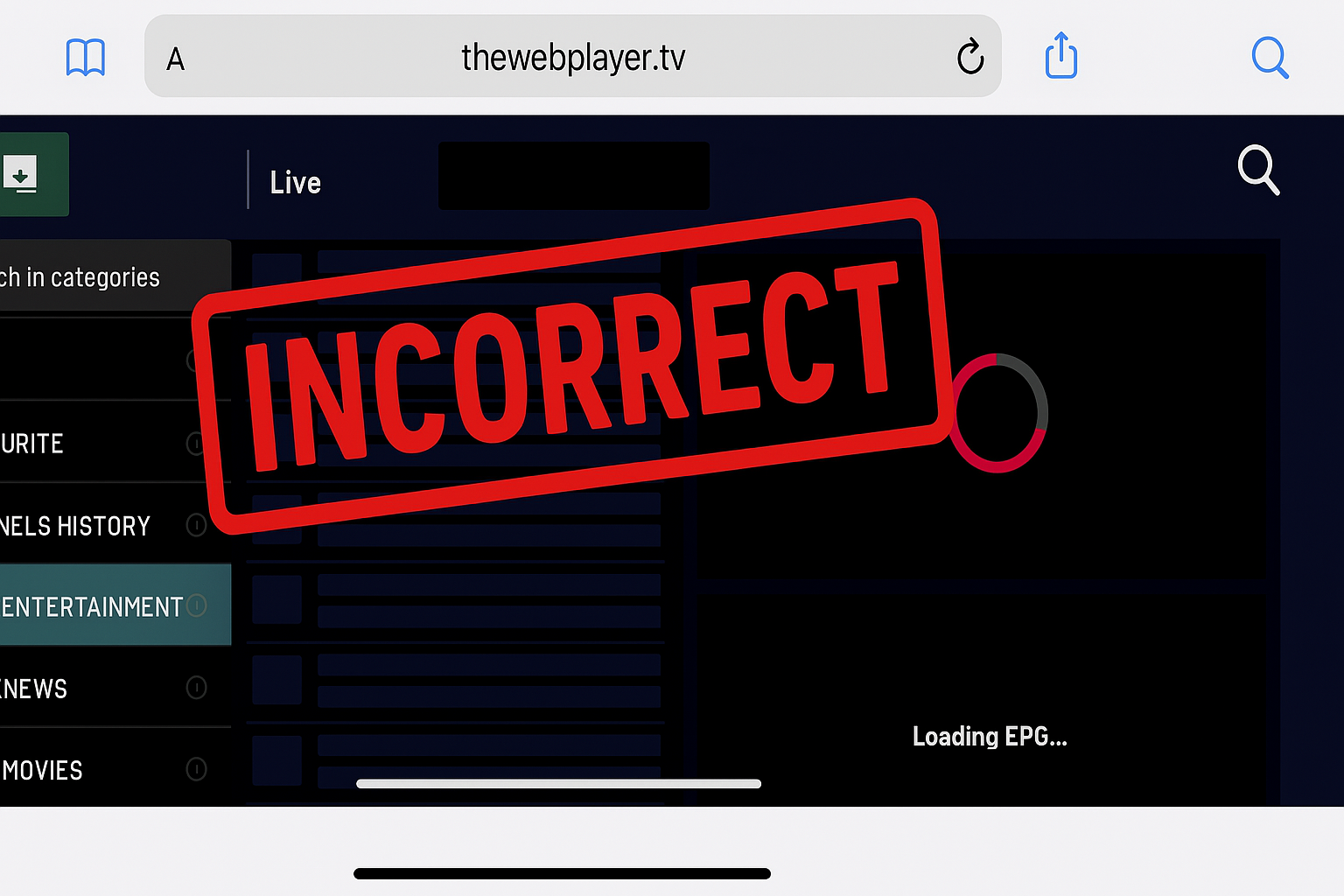
This is incorrect.
Do not attach a picture of the webplayer screen until after the content has loaded.
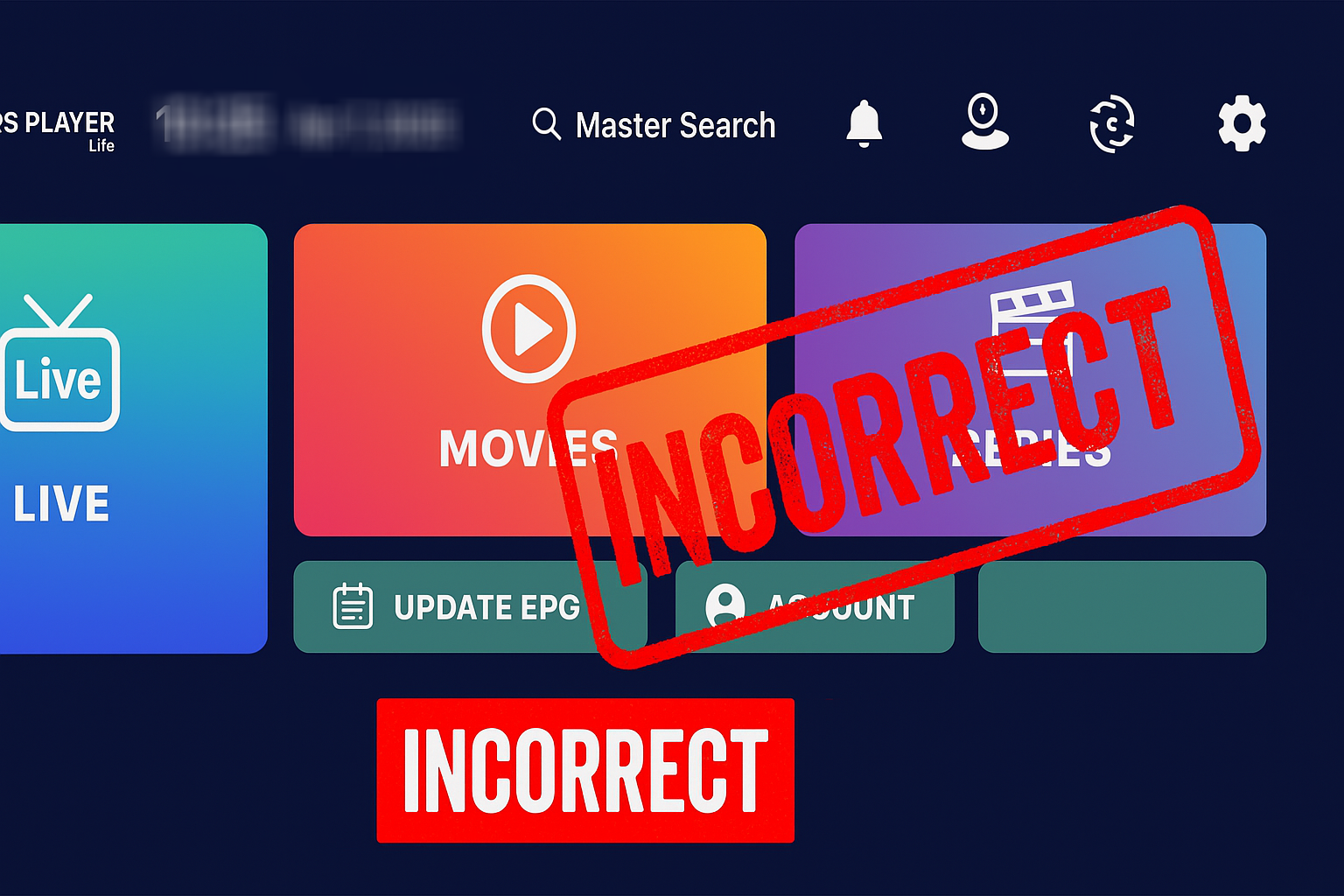
This is incorrect.
Do not attach a picture of the Smarters Lite or any other app.
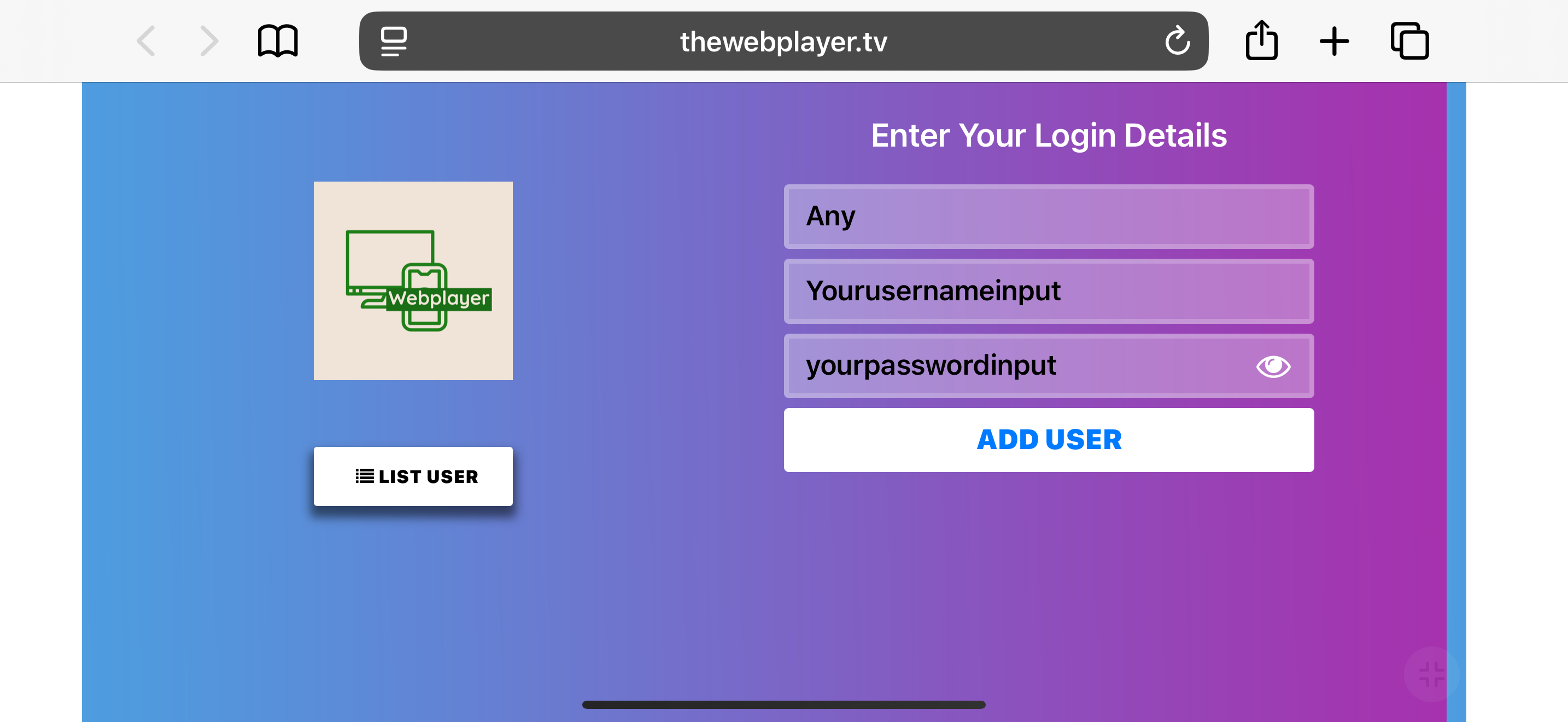
This is correct.
If you are having issues logging in, attach a screenshot of the login screen showing the username and password inputs clearly. DO NOT ATTACH A PICTURE WITHOUT THE USERNAME AND PASSWORD INPUT.
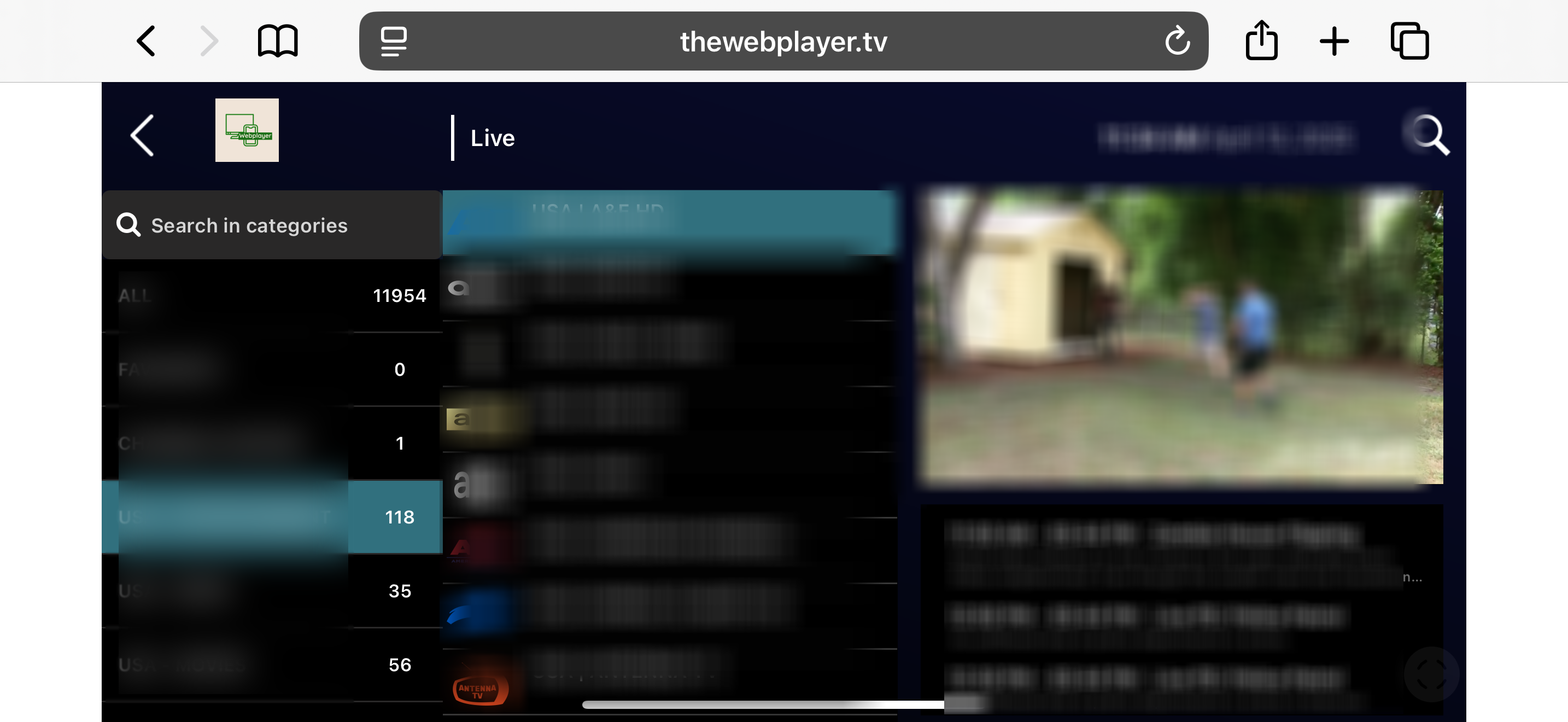
This is correct.
This is an example of the proper attachment for buffering issues. While this sample is blurred, your screenshot should show the channel after it has been streaming for at least two minutes. This allows time for logging to occur and help us diagnose buffering problems. If you do not experience buffering, mark the support ticket accordingly.